We’ve redesigned the entire Teachworks experience with modern navigation, improved mobile support, and thoughtful updates to help you work more efficiently.
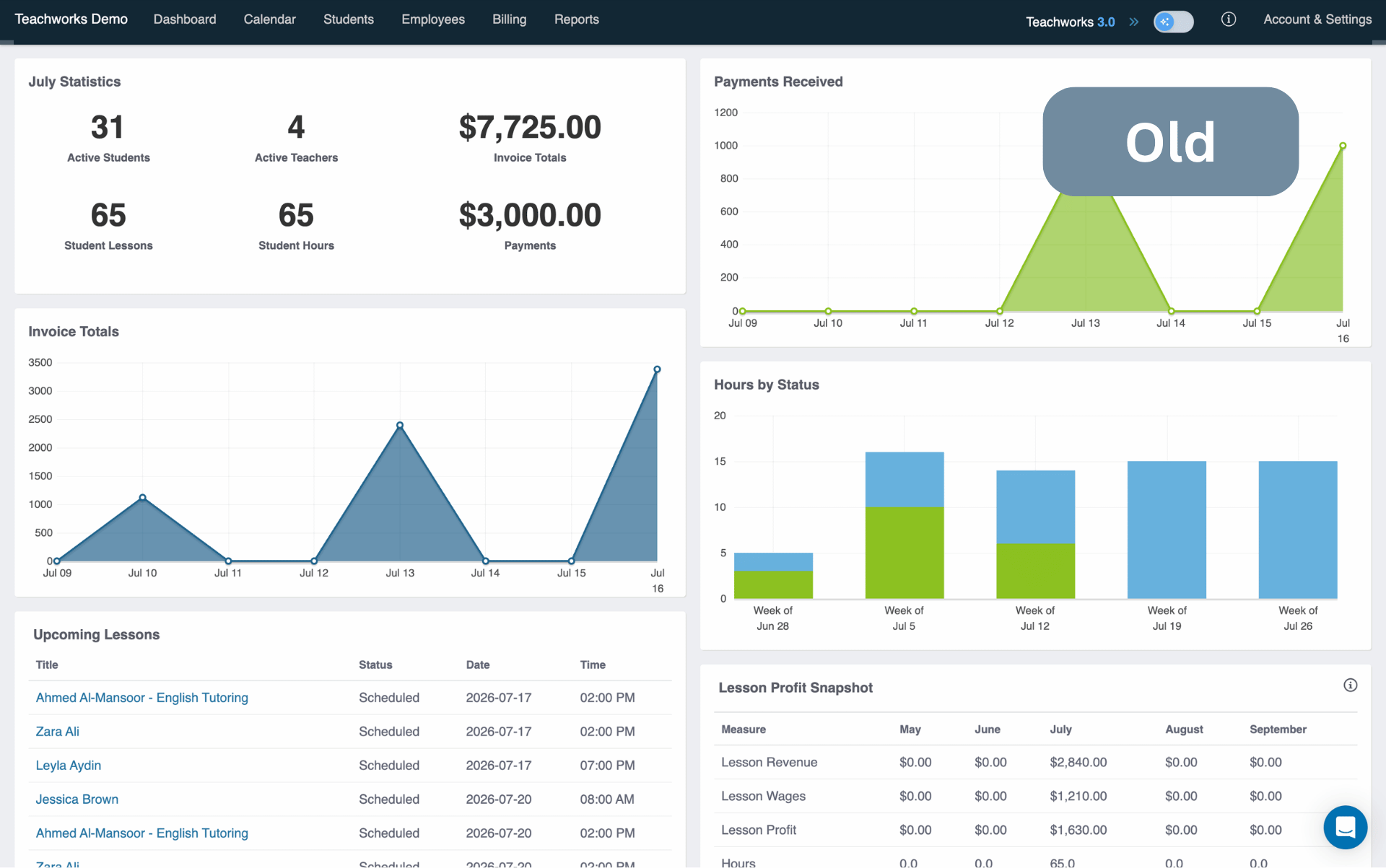
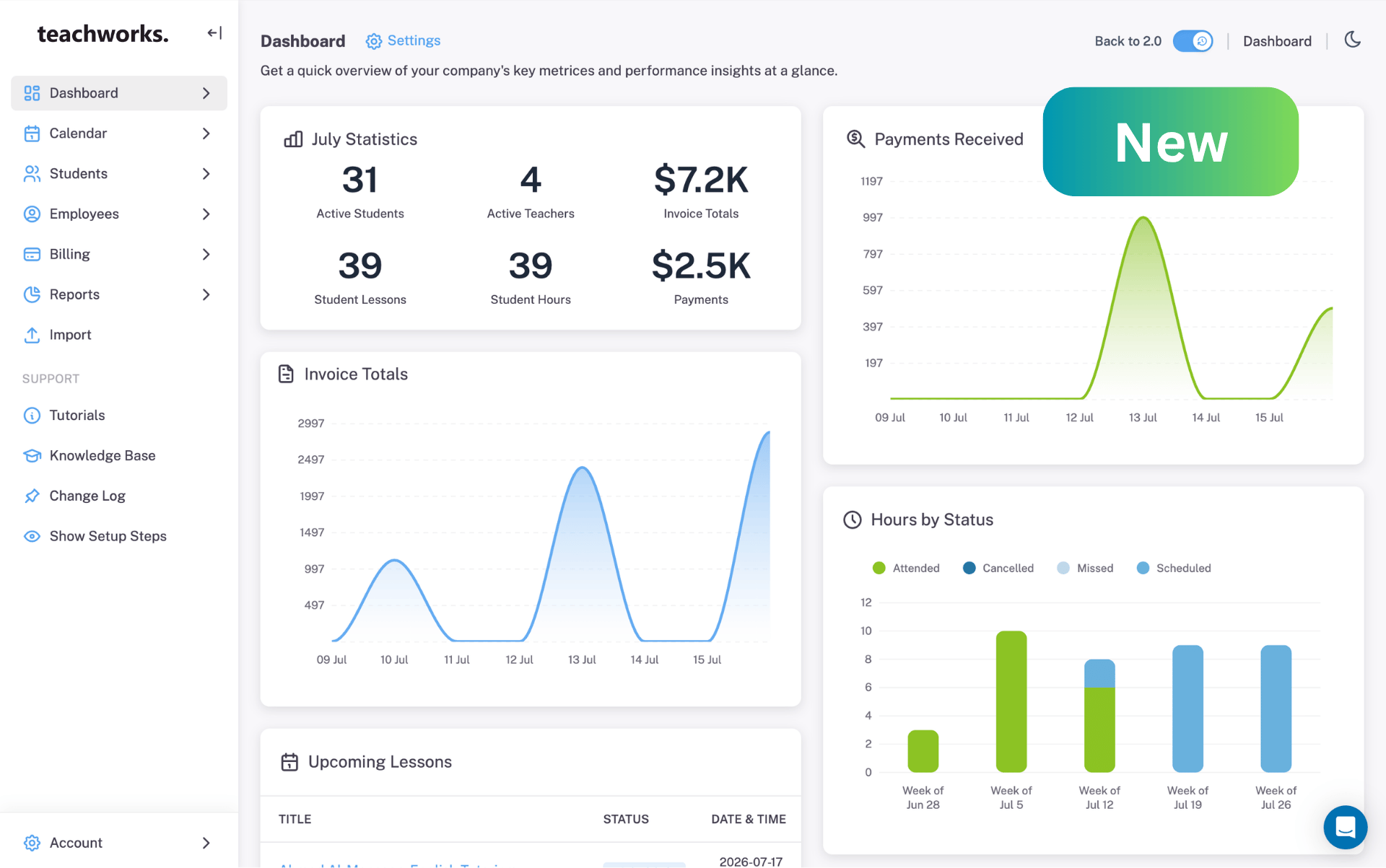
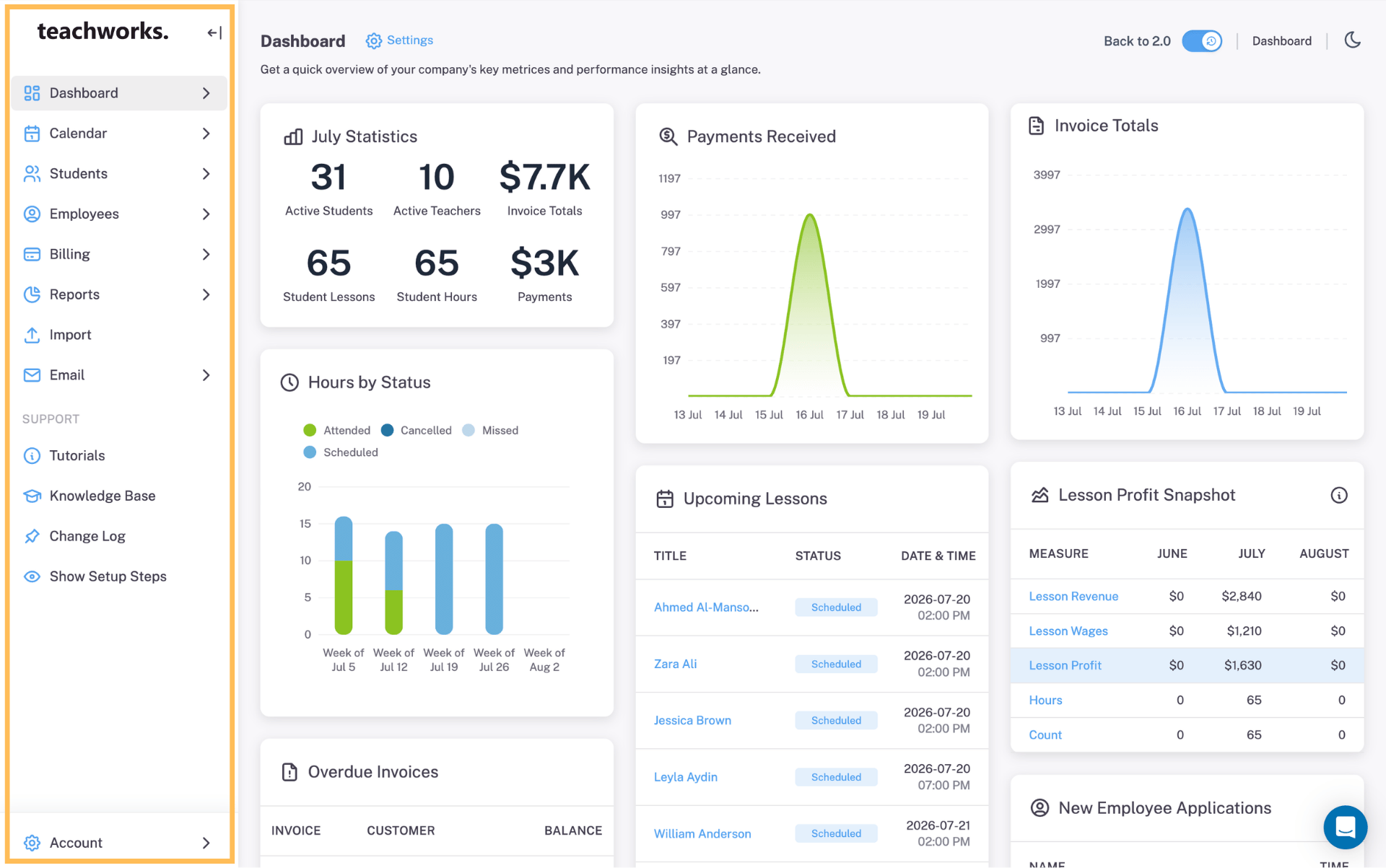
Choose Your Layout
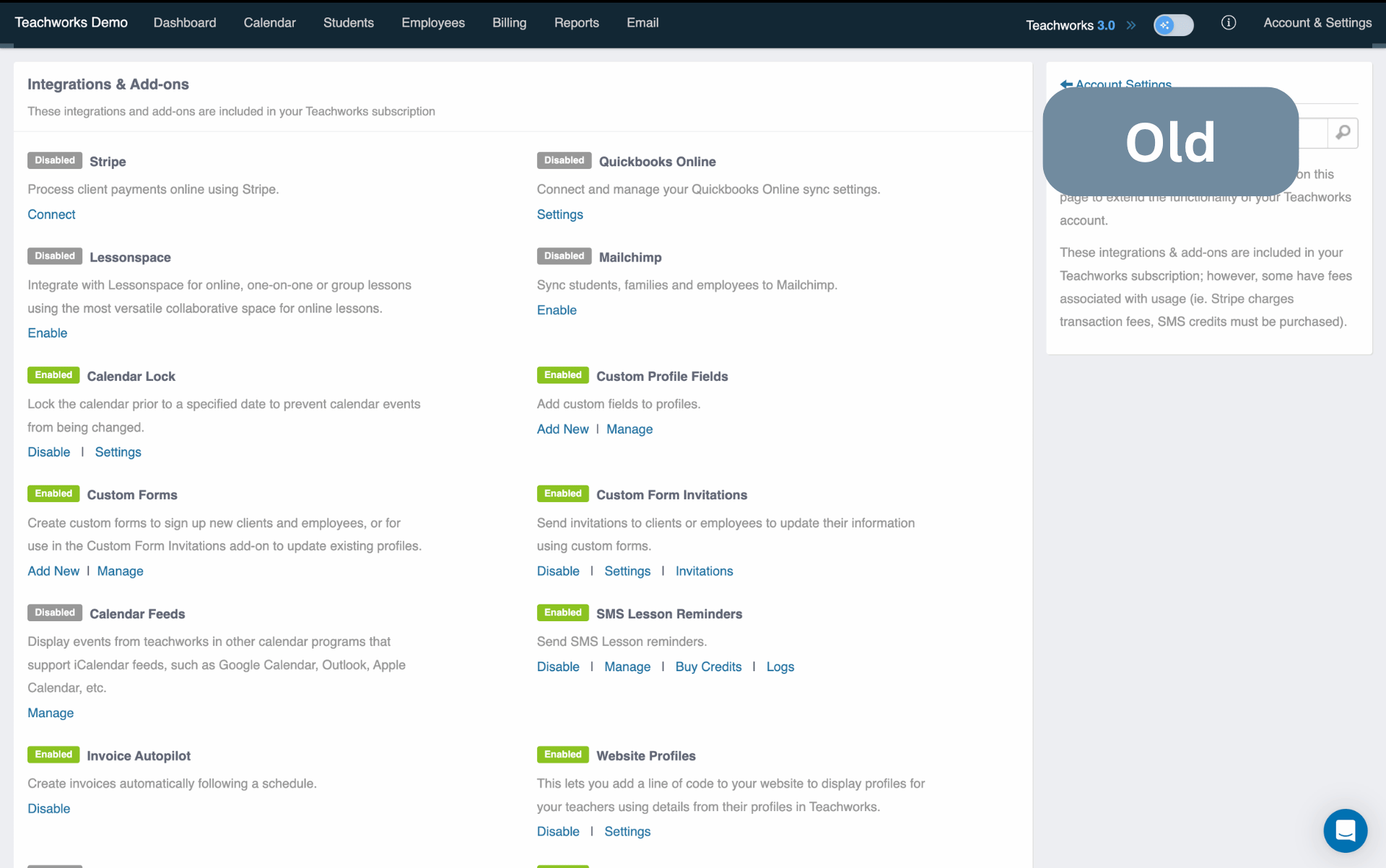
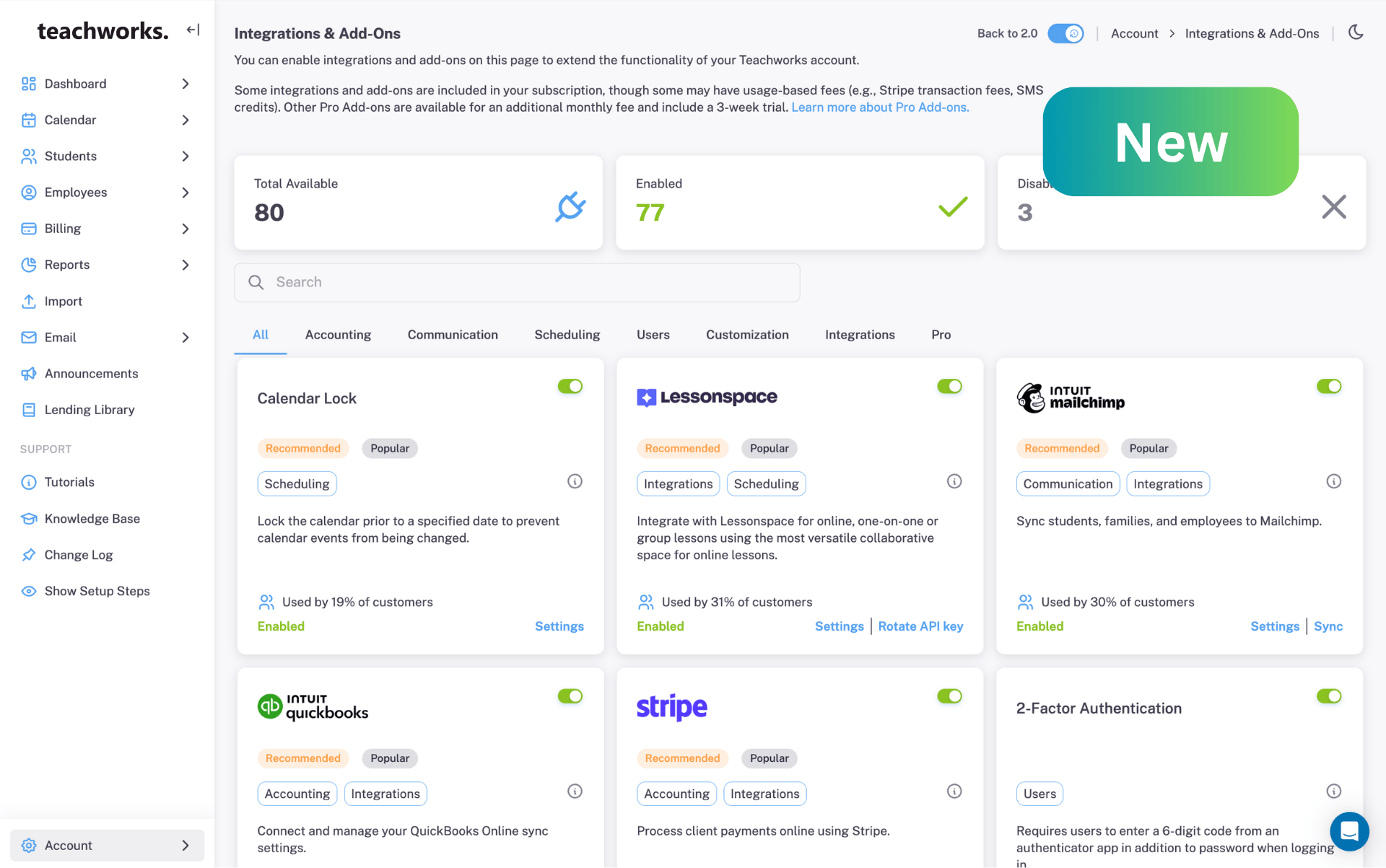
Find New Tools Quickly
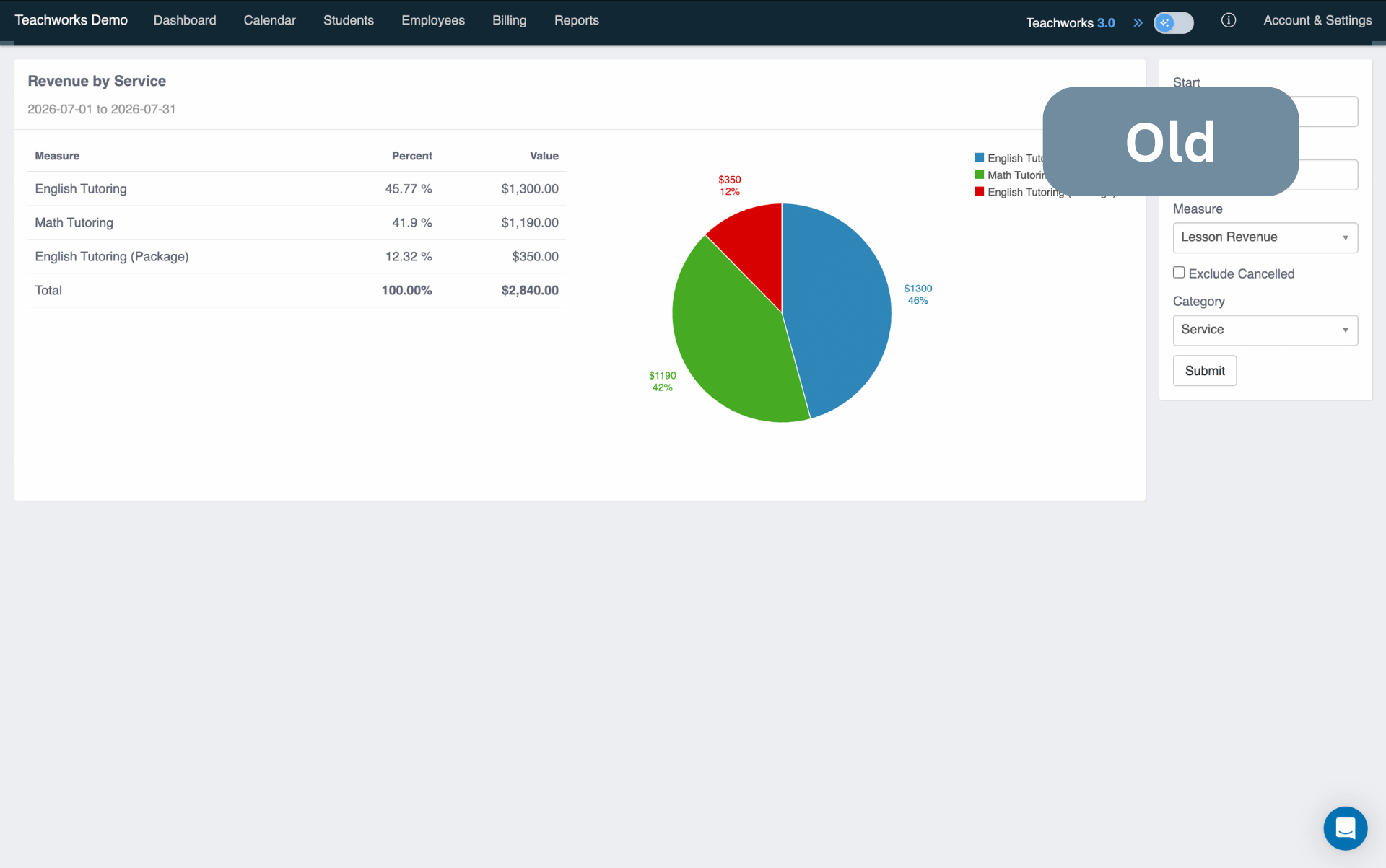
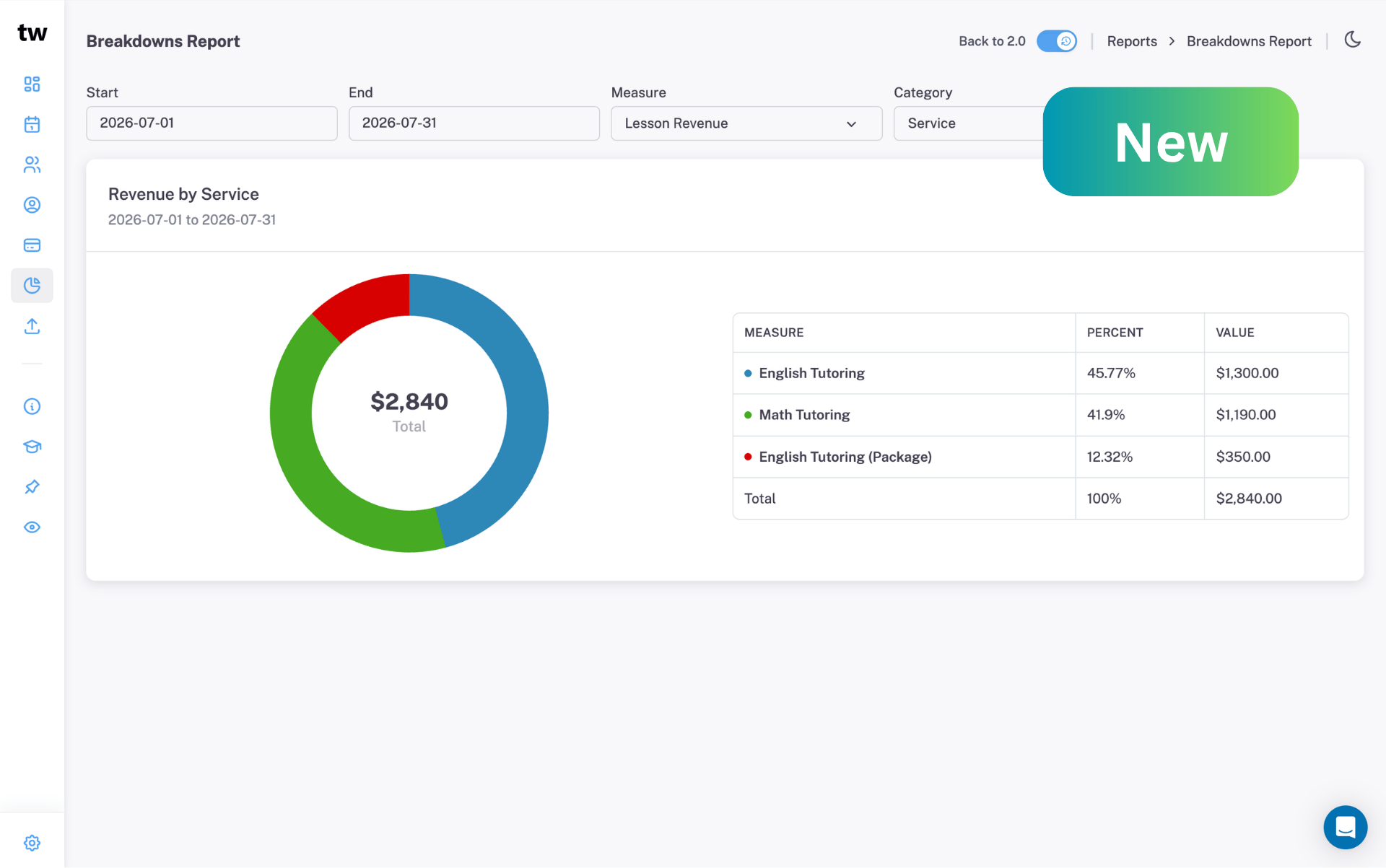
Faster Search and Filters
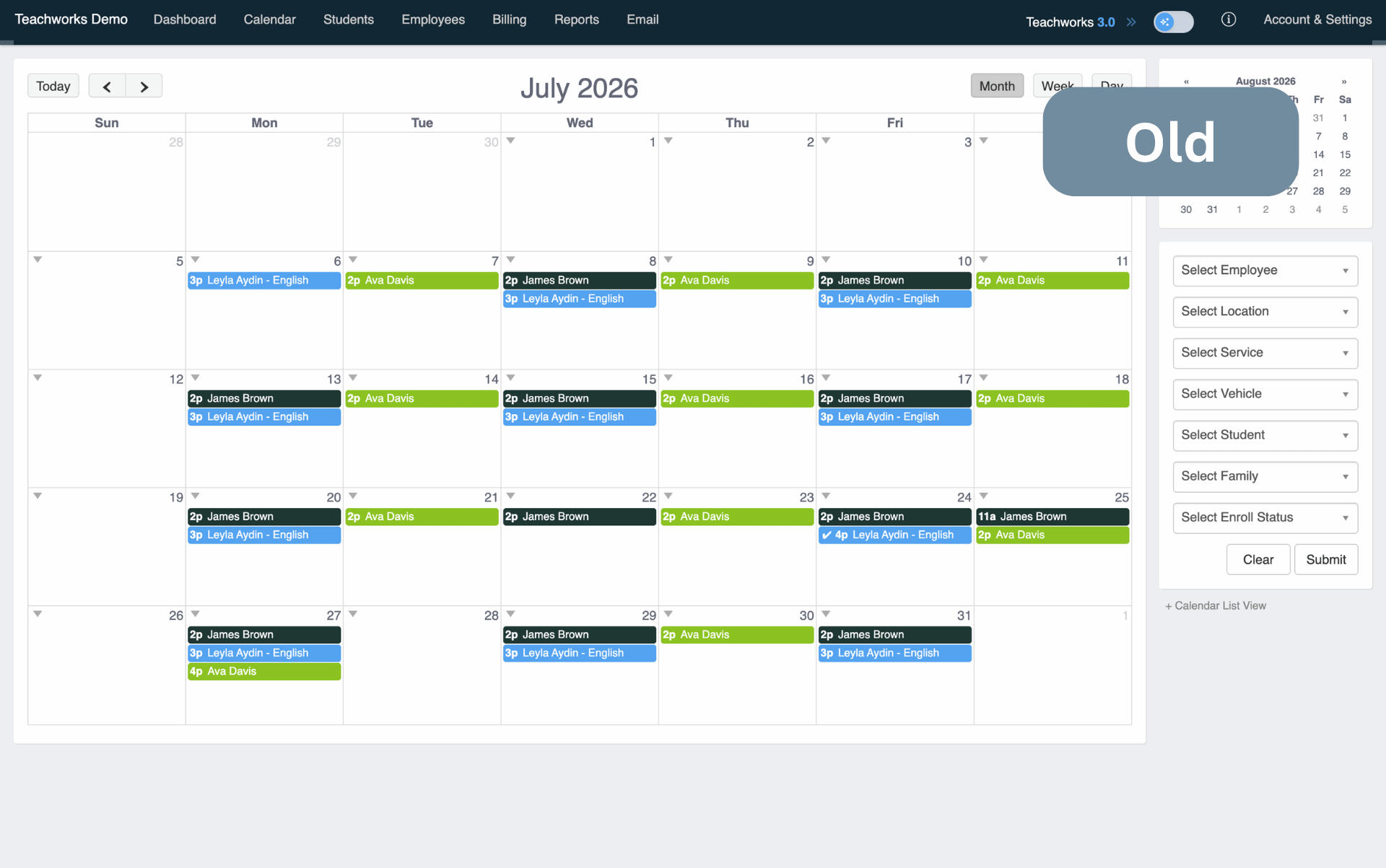
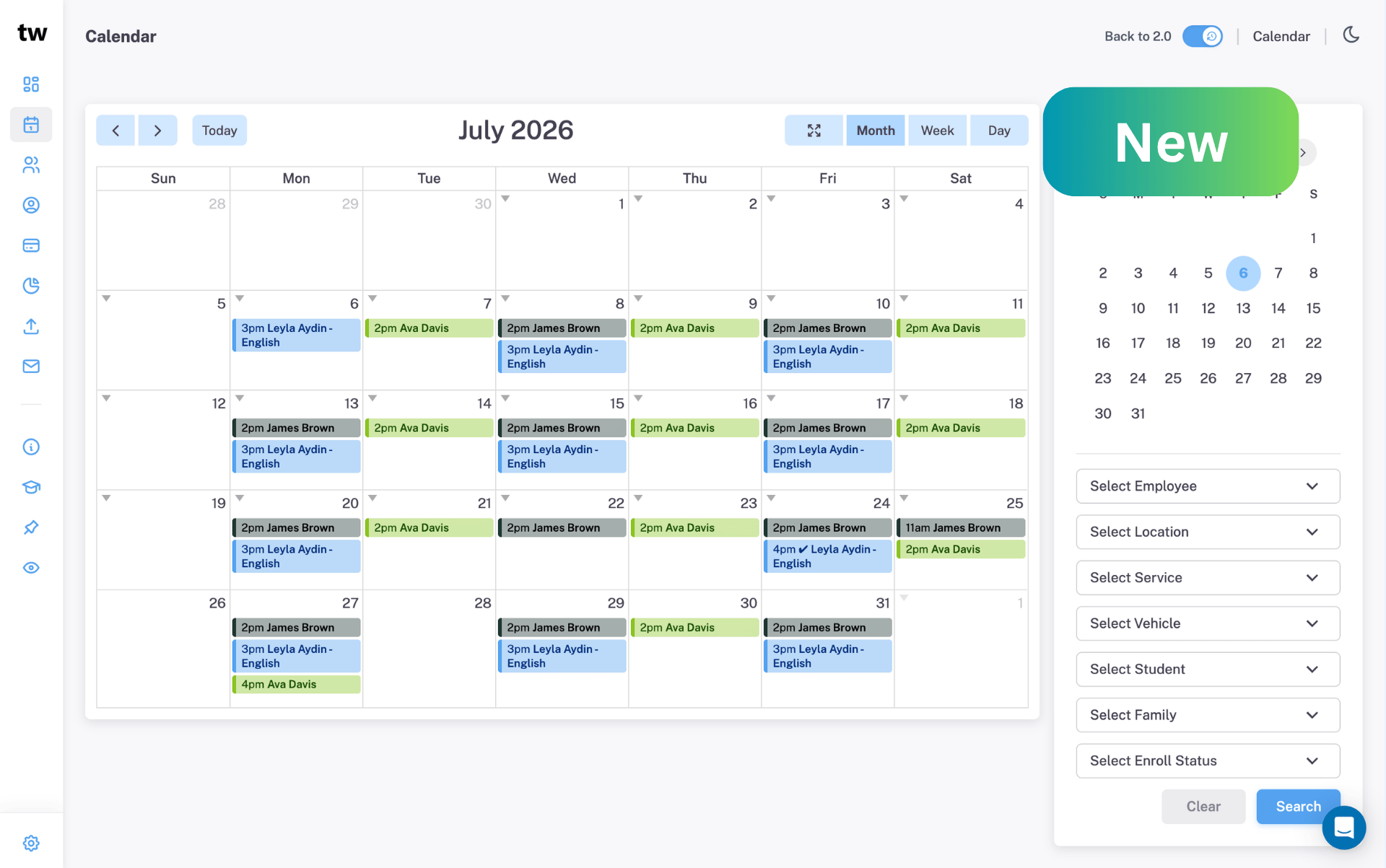
Clean and Clutter-Free
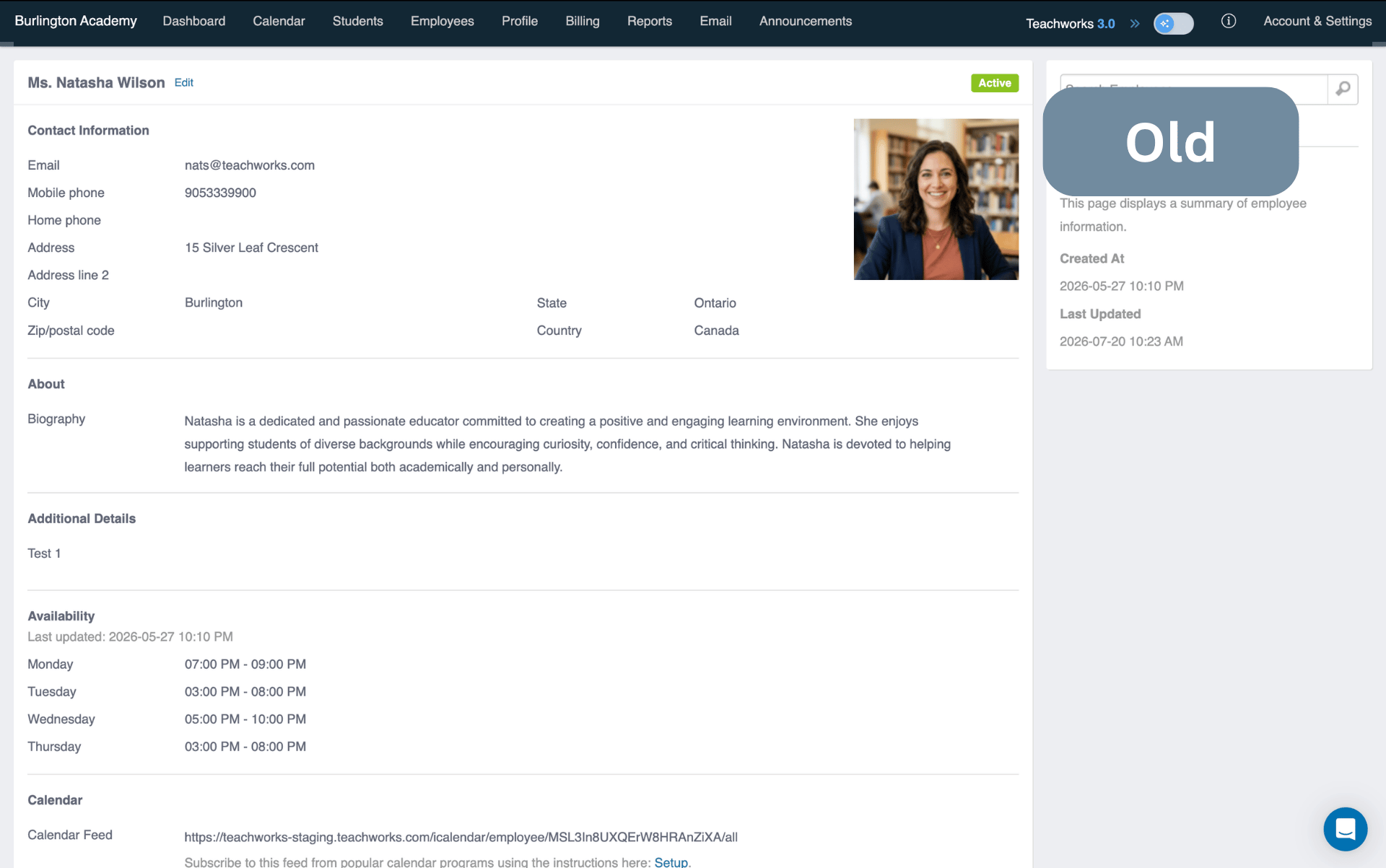
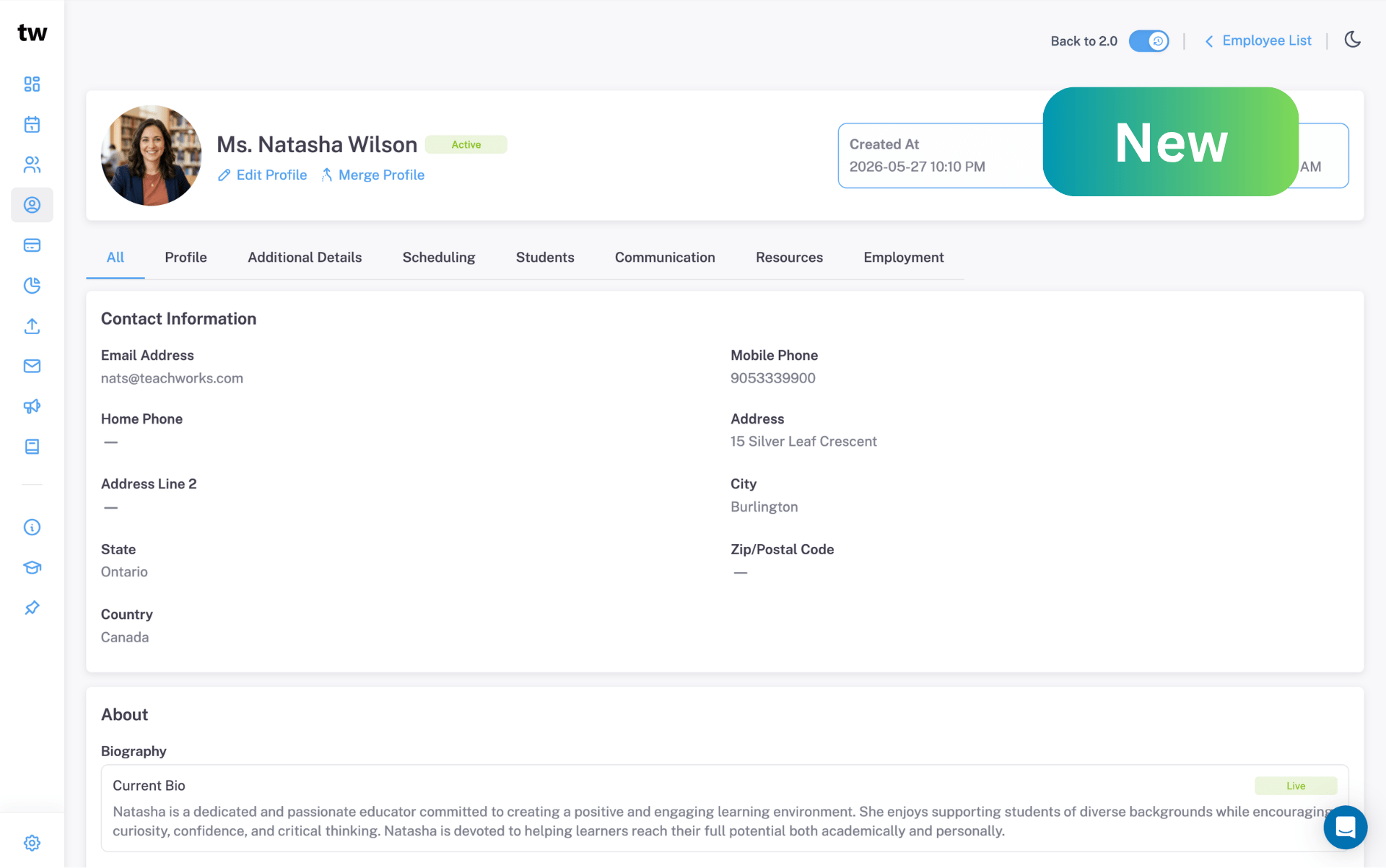
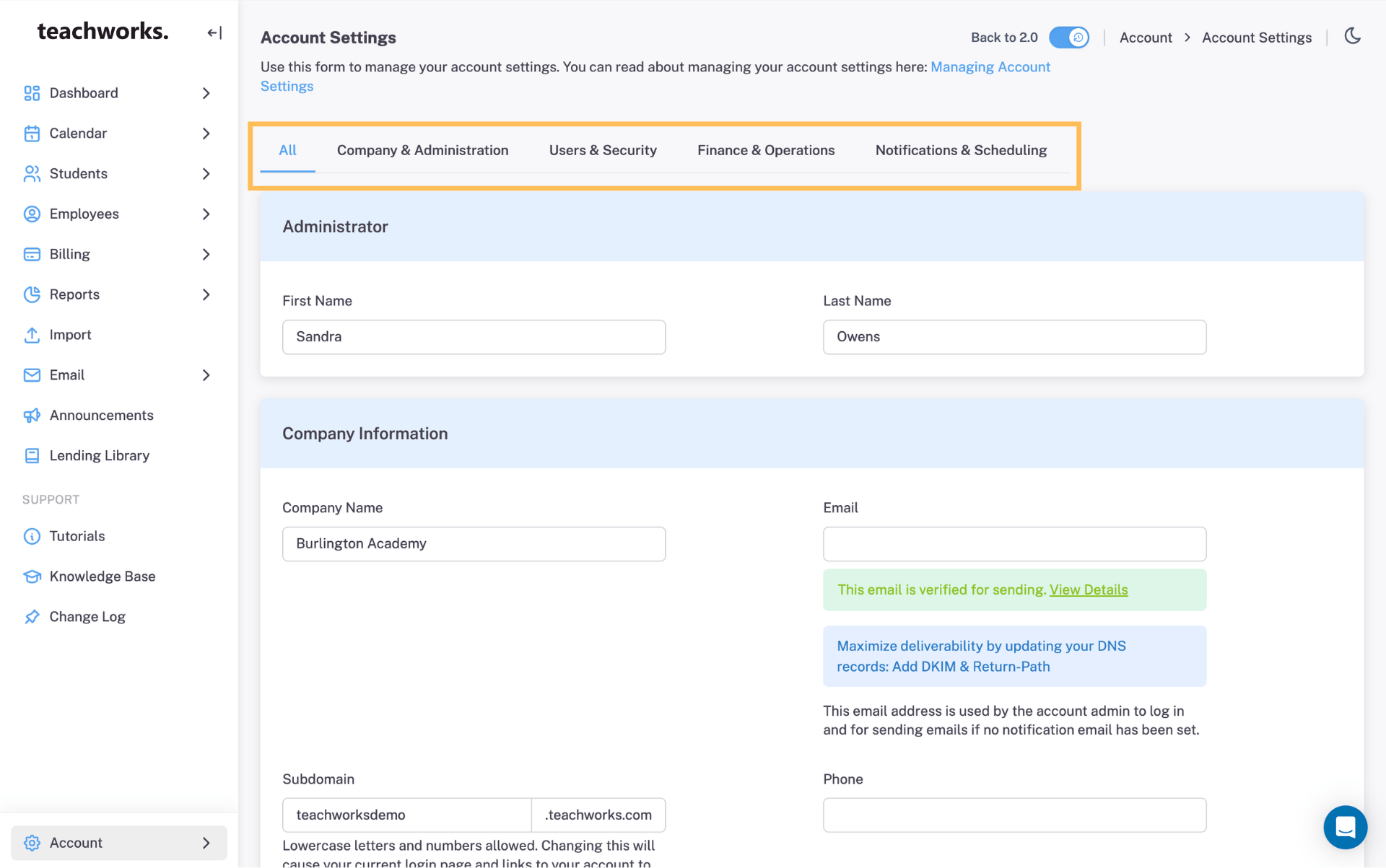
Simple Tabbed Navigation
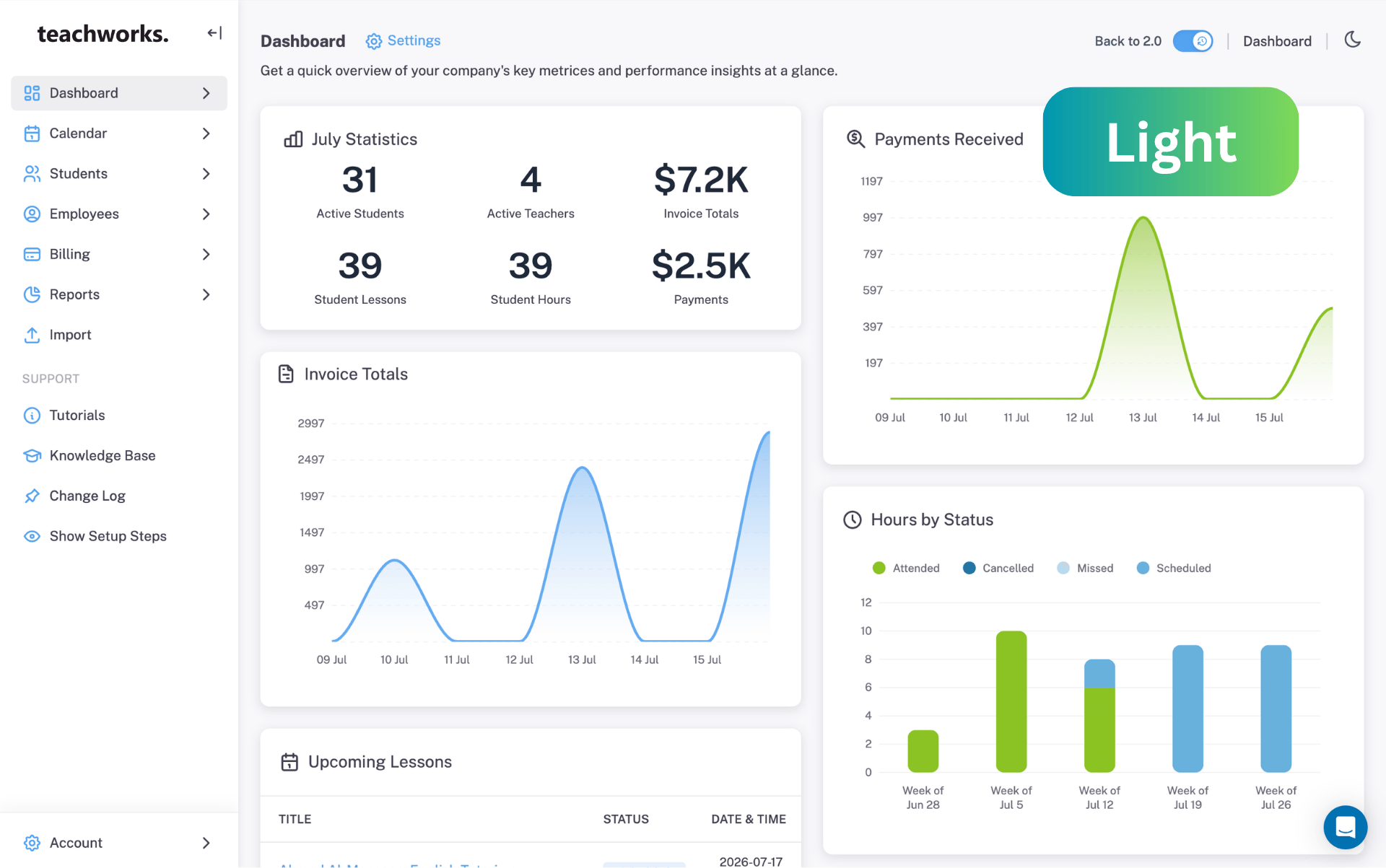
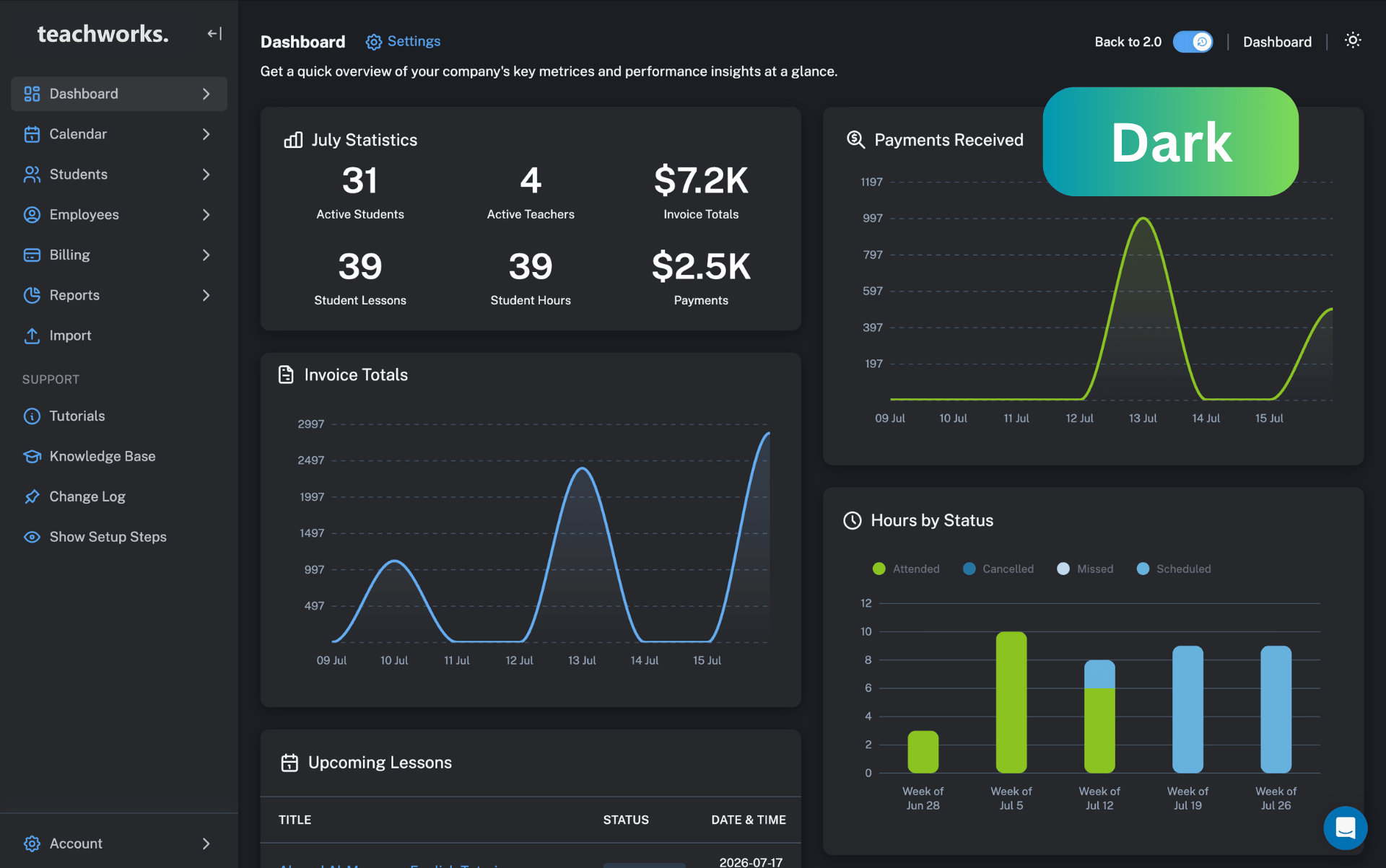
Less Glare, More Focus.
Here’s a quick overview of the key updates to help you get started with the new experience.
.png)
Full desktop power. Zero app downloads required. We have reengineered Teachworks to deliver a seamless, native-app experience right from your mobile browser. Manage schedules, track payments, and run your entire operation from the palm of your hand, whether you are between lessons or on the move.
Meet Dark Mode. Designed to help reduce eye strain and keep you focused, Dark Mode transforms Teachworks with a sleek new look that's just as comfortable during late nights as it is throughout the day.
.png)
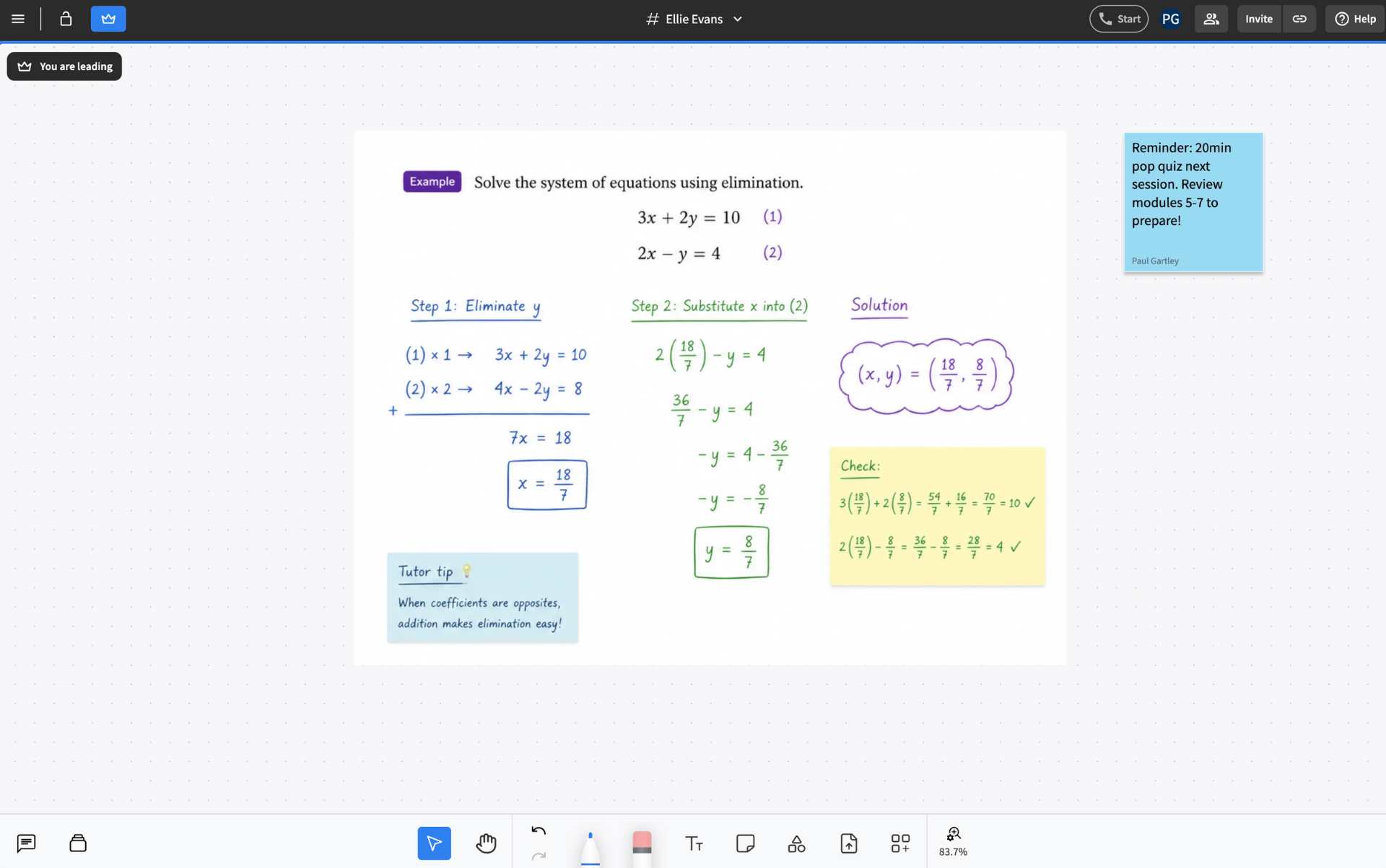
Give your teachers and students another effortless way to host online lessons. In addition to our trusted Lessonspace integration, we now offer Pencil Spaces as an additional option for seamless live learning. Pencil Spaces combines HD video calls, interactive whiteboards, and real-time document sharing into one browser tab.
We’ve redesigned the calendar to help you focus on what matters. By clearing away the extra clutter, the new layout makes it easy to see your entire month at a glance. Managing your lessons is now faster and much easier on the eyes.
We've also added a full screen view to help you focus on your schedule without visual clutter. Expand your agenda into an uninterrupted view so you can plan your day, week, or month effortlessly.
.png)
.png)
Teachworks can now be fully translated into 45 languages and counting. This makes it easier for your tutors, students, and parents to use the system in the language they’re most comfortable with. From scheduling to billing, you can now provide a truly local experience for everyone involved in your business.
We’ve organized long pages, like your account settings, into simple tabs. Now you can jump straight to what you need in one click instead of scrolling through a long list of options.
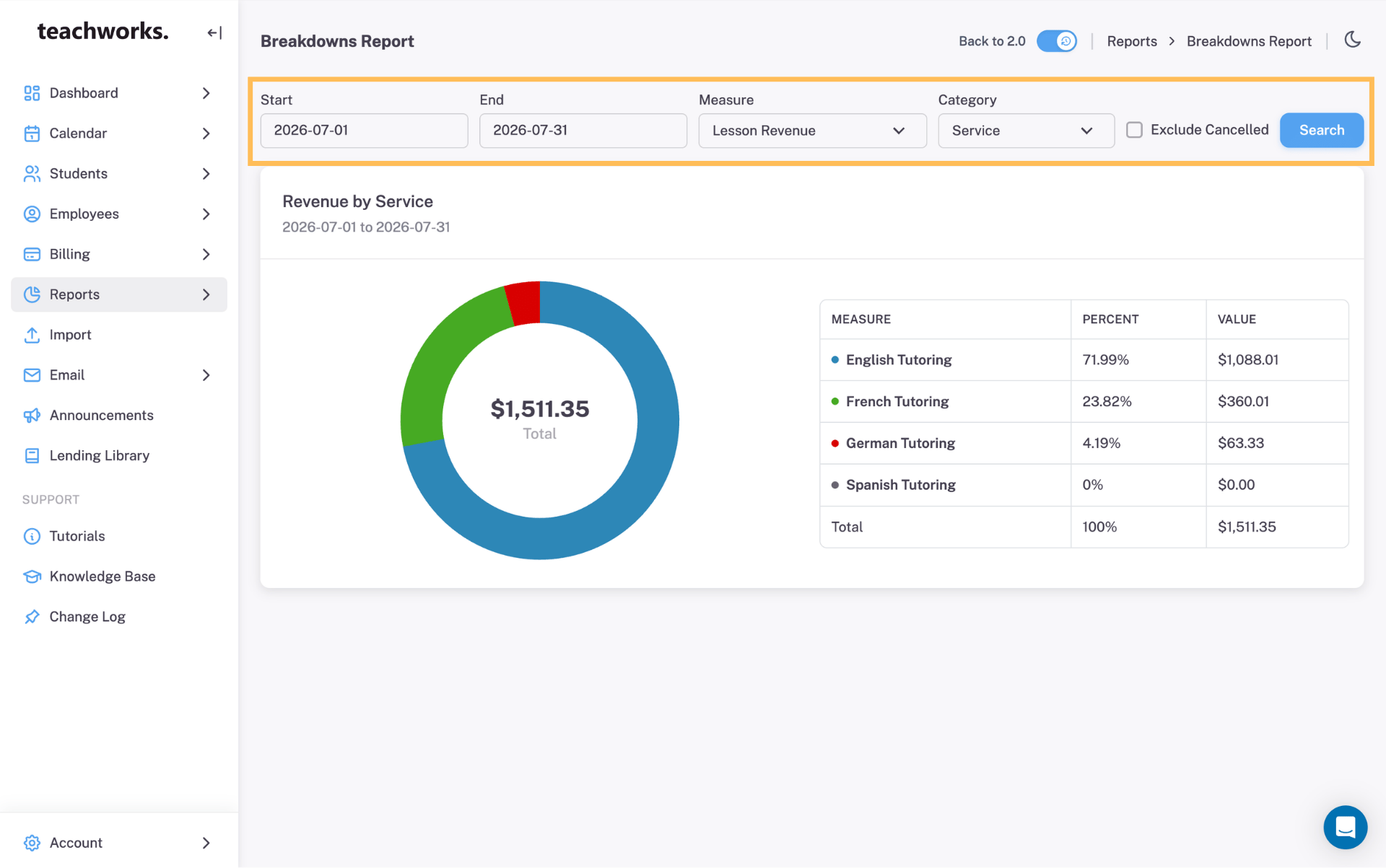
Finding students, lessons, and info is now much faster. We took the search bars and filter panels out of the sidebar and put them directly above your content. This new placement keeps them front and center on every screen, making it a breeze to sort through your data.

This page is now organized into tabs to help you find features by category. We also added Recommended and Popular tags to help you quickly pick the best tools for your business.
.png)
Your customers & employees now get a modern and professional experience every time they log in. We updated every page in the client portal to make sure it looks great on any device.

You now have more control over your dashboard with our new column toggle. By choosing the three column view, you can fit more widgets onto your screen at the same time.
.png)
During this initial phase, Teachworks 3.0 is available to admins and employees only. We've added a temporary toggle that lets your team switch between the current layout and the new experience while you explore the changes. You'll find it at the top of any page in your Teachworks Account. The toggle will be available for a limited time as we transition away from the old layout.


